
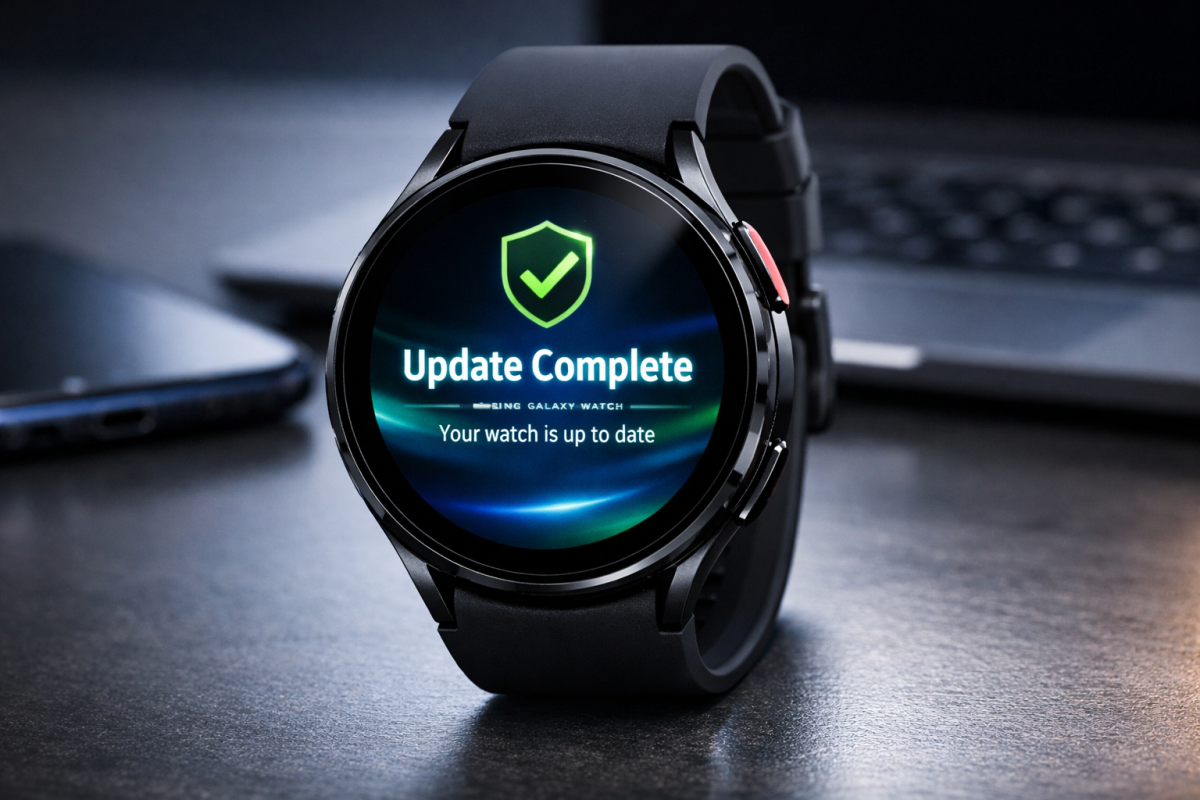
In the rapidly evolving world of wearable technology, the line between a fashion accessory and a critical computing device has blurred. The Samsung Galaxy Watch 7, known for its sophisticated BioActive sensor and seamless Wear OS integration, has just received its most significant maintenance release of the year: the March 2026 Security Update. While software updates that introduce new AI features or colorful watch faces usually grab the headlines, it is the silent, “under-the-hood” security patches that keep your digital life intact. For Galaxy Watch 7 users, this isn’t just another notification to dismiss—it is a vital shield for your personal data. Samsung Galaxy Watch 8
The Evolution of Smartwatch Security
To understand why the March 2026 update is so critical, we must first look at how much we trust our smartwatches. In 2026, your Galaxy Watch 7 is no longer just counting steps; it is a gateway. It holds your:
- Biometric Identity: Continuous heart rate, ECG, and blood pressure data.
- Financial Gateways: NFC payment tokens for Samsung Pay and Google Wallet.
- Communication Hubs: Real-time mirrors of your WhatsApp, emails, and private messages.
- Location History: GPS logs of your daily routes and home address.
Because these devices are constantly connected via Bluetooth, Wi-Fi, and LTE, they represent a “persistent endpoint” for hackers. A vulnerability in the watch’s OS could potentially give a malicious actor a backdoor into your synced smartphone. Samsung’s March update is designed specifically to slam these doors shut.
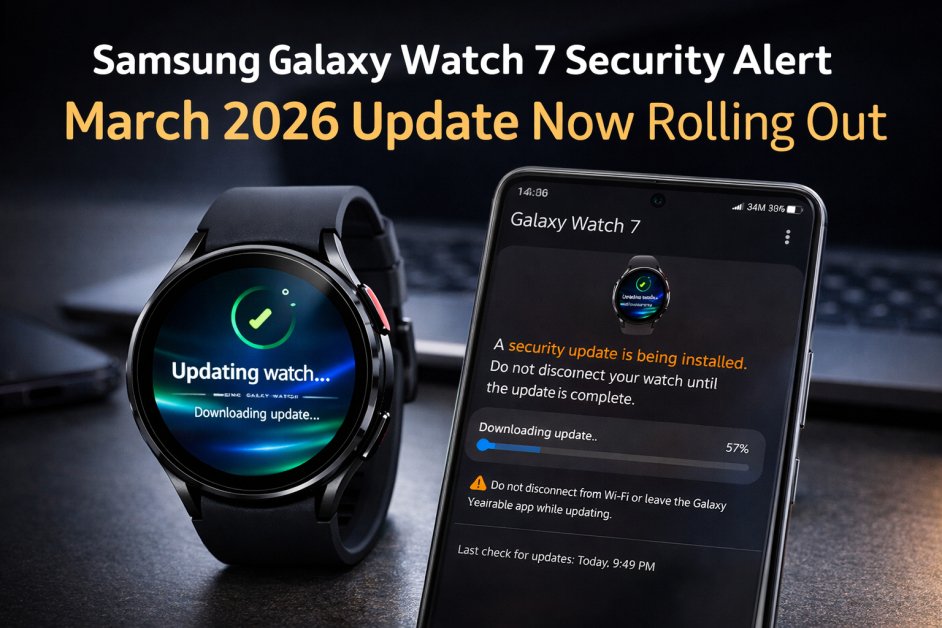
Deep Dive: What’s Inside the March 2026 Firmware?
The update (Firmware version ending in BZB1) carries a payload of approximately 390MB. For a wearable, this is a substantial file size, indicating that Samsung has touched multiple layers of the system architecture.
1. High-Priority Security Patches The core of this update is the integration of the latest Android security patches tailored for Wear OS. Samsung has addressed 37 CVEs (Common Vulnerabilities and Exposures). Some of these were classified as “Critical,” meaning they could theoretically allow for remote code execution without user intervention. By patching these, Samsung ensures that your watch remains a “fortress on your wrist.” Samsung Galaxy Watch Ultra 2026: Premium 47mm Titanium LTE Smartwatch Worth $529.99?
2. Enhanced System Stability and “Micro-Stutter” Fixes Many users on community forums like Reddit and Samsung Members reported slight UI lag after the previous One UI 6.0 update. This March patch includes system optimization code that refines how the processor handles background tasks. Users will likely notice:
- Smoother transitions when swiping between “Tiles.”
- Faster app launch times for heavy apps like Google Maps.
- Improved responsiveness of the “Raise to Wake” gesture.
3. Connection Reliability (Bluetooth & Wi-Fi) A common pain point for smartwatch users is the “silent disconnection”—where the watch stops receiving notifications despite being near the phone. This update optimizes the Bluetooth stack, ensuring a more “sticky” connection with Galaxy smartphones, particularly the latest Galaxy S26 series.
The Invisible Benefits: Battery and Health Accuracy
While not explicitly listed in every changelog, security updates often involve cleaning up “leaky” code. When code is inefficient, the processor works harder, which drains the battery. By optimizing the software environment, the March 2026 update may provide a subtle boost to battery longevity. Many early adopters have noted that their Galaxy Watch 7 lasts about 5–10% longer on a single charge after the system finishes “learning” the new update. Furthermore, the BioActive Sensor algorithms have been refined. This ensures that the security hardening doesn’t interfere with the high-frequency data polling required for accurate sleep tracking and irregular heart rhythm notifications (IHRN).
How to Install the Update (The Right Way)
To ensure you don’t encounter any “bricking” issues or installation loops, follow this recommended procedure:
- Check Battery Levels: Ensure your Galaxy Watch 7 has at least 50% battery. Even better, keep it on the magnetic charger during the process.
- Stable Connection: Use a stable Wi-Fi connection rather than LTE to download the 390MB file to avoid data corruption.
- The Smartphone Method (Recommended):
- Galaxy Wearable app on the smartphone that is connected to your watch.
- Tap on Watch Settings.
- Scroll down to Watch Software Update.
- Tap Download and Install.
If the update hasn’t appeared yet, there’s no need to worry—just wait a little while, as it may take some time to reach your device., don’t panic. Samsung utilizes a staged rollout. This means users in South Korea and Germany often get it first, followed by North America, India, and the rest of the world within a 7-to-10-day window. Citizen Eco-Drive Luxury Men’s Chronograph Watch Under $1000
Why Google Discover Users Should Care
Google Discover surfaces content that is timely and high-utility. As cyber threats against IoT (Internet of Things) devices rise, staying updated is no longer optional. This update represents Samsung’s commitment to the Long-Term Support (LTS) promise they made at launch. By keeping your Galaxy Watch 7 updated, you are participating in the “Healthy Tech Ecosystem.” When millions of users update simultaneously, it becomes much harder for widespread malware to find a foothold in the wearable market.

Wasim Akram is a passionate content writer, blogger, and digital publisher with a strong focus on SEO-friendly, user-first content. He specializes in writing informative blog posts, trending news articles, how-to guides, and in-depth reviews across multiple niches, including lifestyle, food, travel, health, and technology.
With a commitment to accuracy, originality, and readability, Wasim Akram creates content that is both search-engine optimized and engaging for real readers. His goal is to deliver value-driven articles that help users make better decisions while meeting modern Google Discover and SEO standards.
When not writing, he actively researches emerging trends, explores digital marketing strategies, and works on building high-quality online brands.